MORF GENOMES – USER GUIDANCE
User Guidance
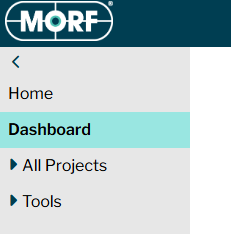
Step 1: Subscribers to MORF have access to a number of tools through their dashboard which can be accessed through the top left side bar.
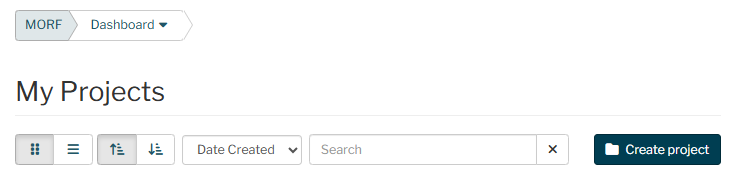
Step 2: This takes you to the dashboard where all your projects are visible. You can create a new project by clicking the Create Project button.
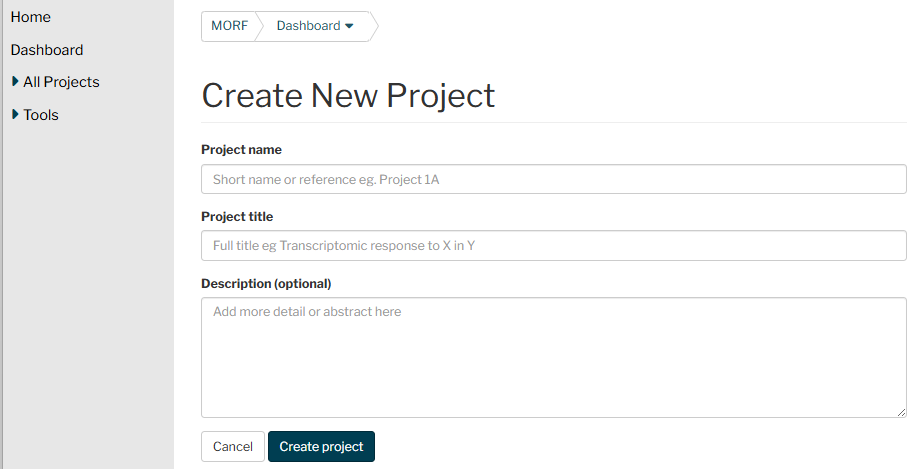
Step 3: You will then be able to add some details of your project. Give the project a descriptive title so you can find it later (‘Test’ is not a helpful title!).
Step 4: Once you’ve created a project, a new project button appears in your dashboard and clicking on this takes you to a new menu where you can upload data and perform analyses.
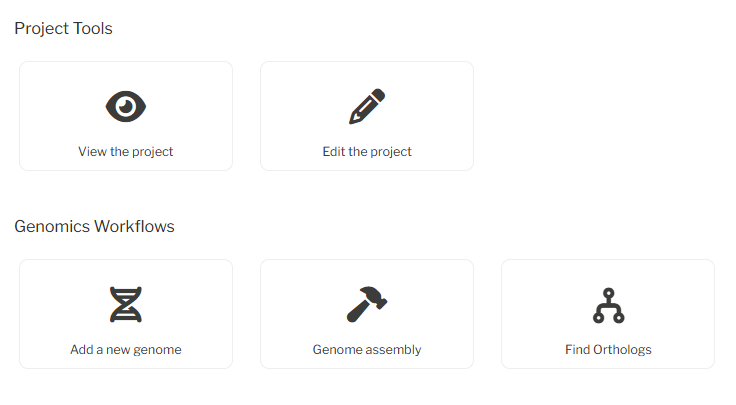
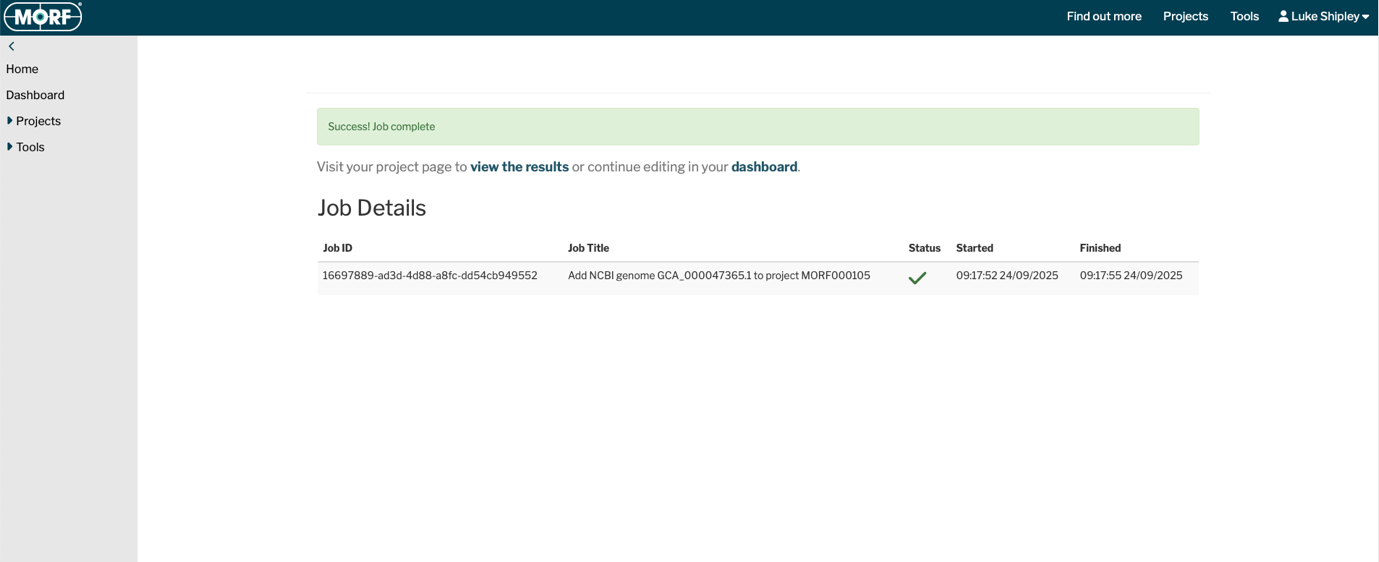
Step 5: Click ‘add new genome’ to add microbial genomes either from gbk files or from NCBI (note to use the accession numbers that start GCF or GCA). Once the genome is available, you get a success message that job is complete.
.
Genome views
You can view the circular and linear plots of the genome, scroll through the genes in the linear plot and zoom in to access the gene page through a mouseover link.
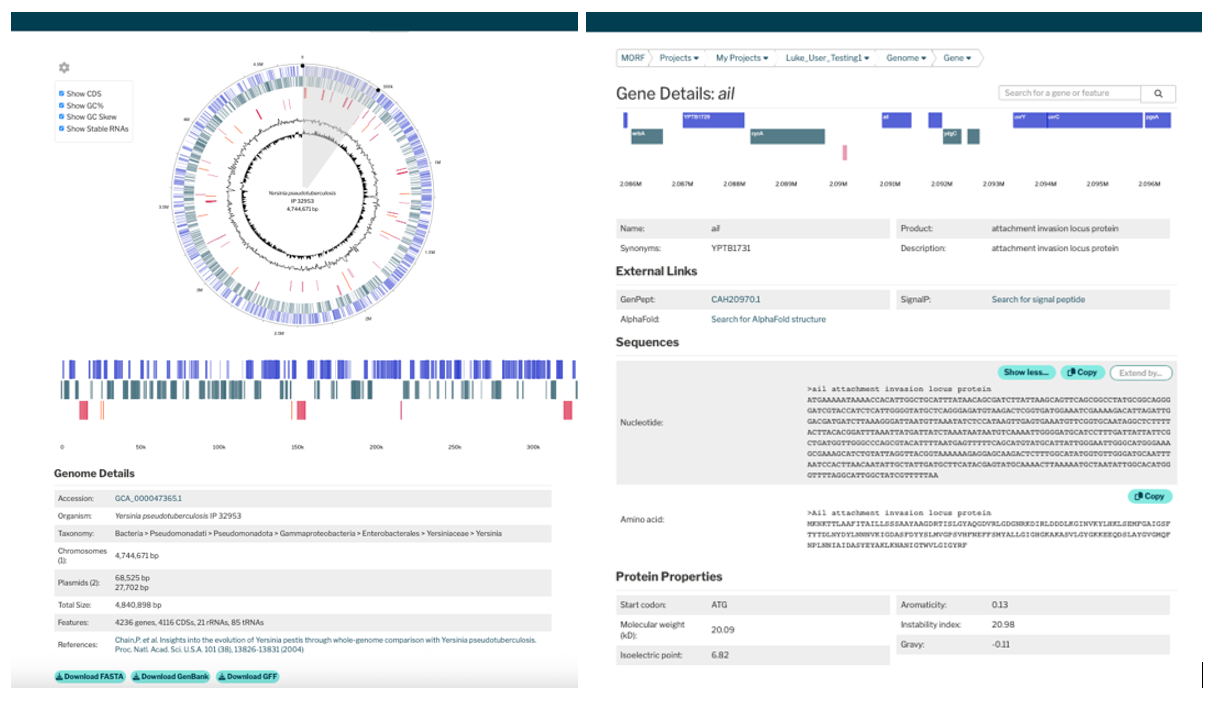
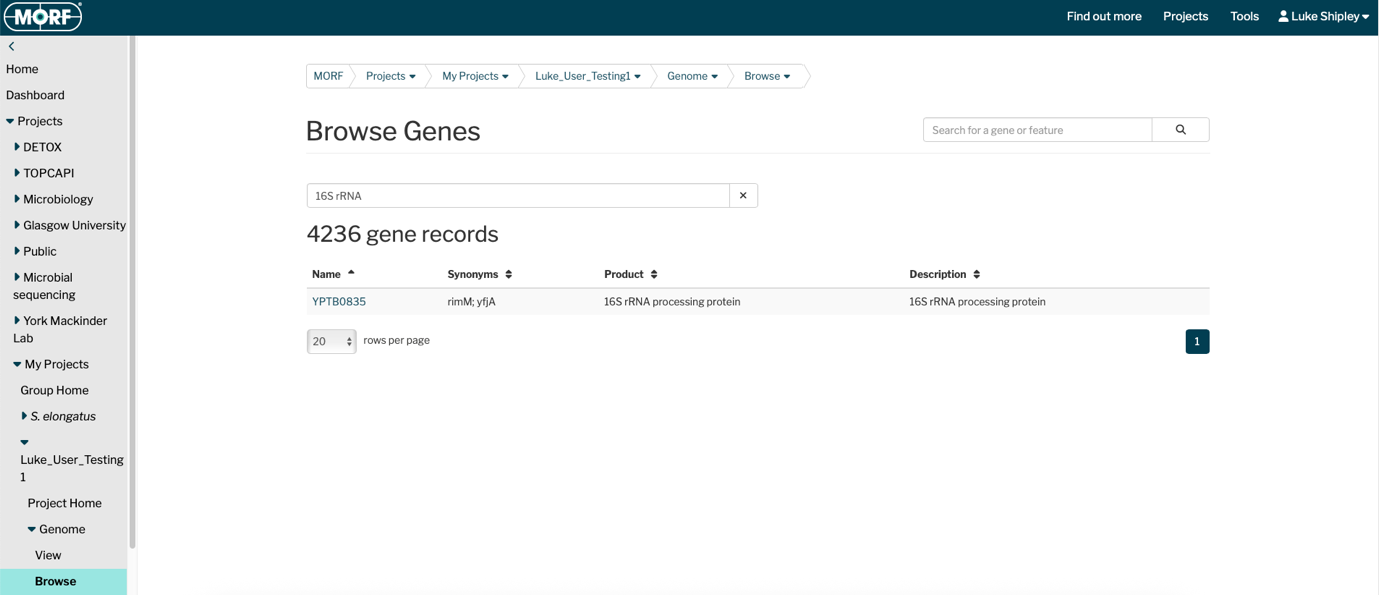
The sidebar menu also includes an option to browse the genes within the genome and search for genes of interest, to access the gene pages.
Ortholog mapping
To identify orthologs between related species, select ‘Find Orthologs’ from your dashboard. Choose 2-5 genomes to compare. The more genomes you include, the longer it will take to analyse.
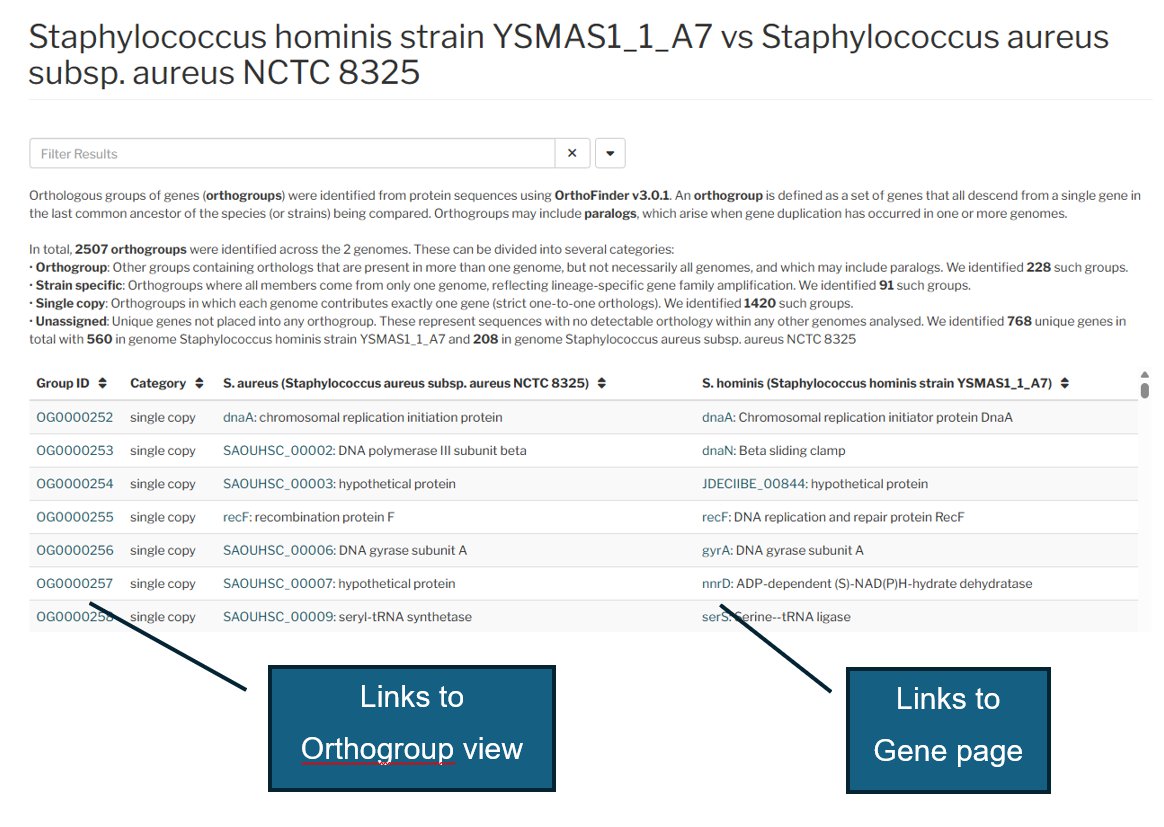
The resulting table shows you how many of each orthogroup are present and identifies all of the unique genes. Links to the gene pages and orthogroup view page help you find out more about the gene functions and to compare the local genome architecture. You can also select from public genomes, but to see gene locations they should first be uploaded to your project.
Ortholog View
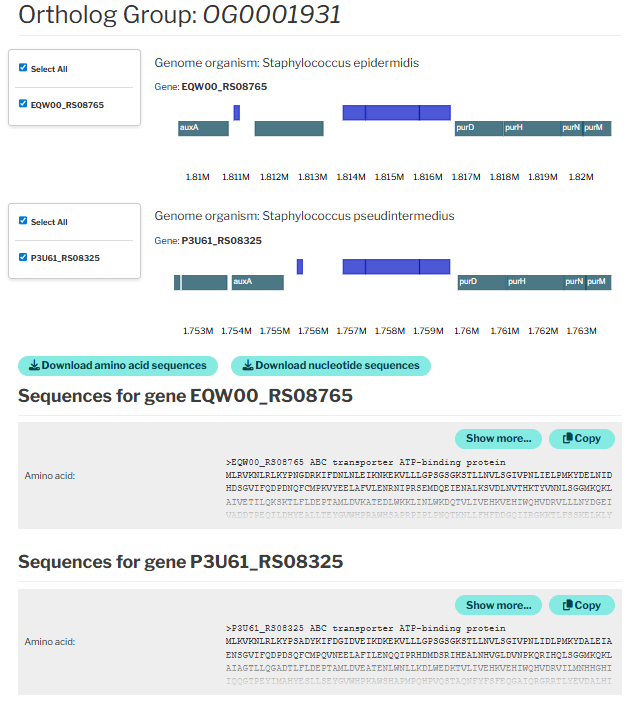
By clicking on the orthogroup in the ortholog table you access Orthogroup view, which should you the location of each gene in the genome. You can scroll in and out to see more or less of the genome.
Below you can view or download the amino acid and nucleotide sequences, for- example to use in a phylogeny analysis.
Flux Balance Analysis
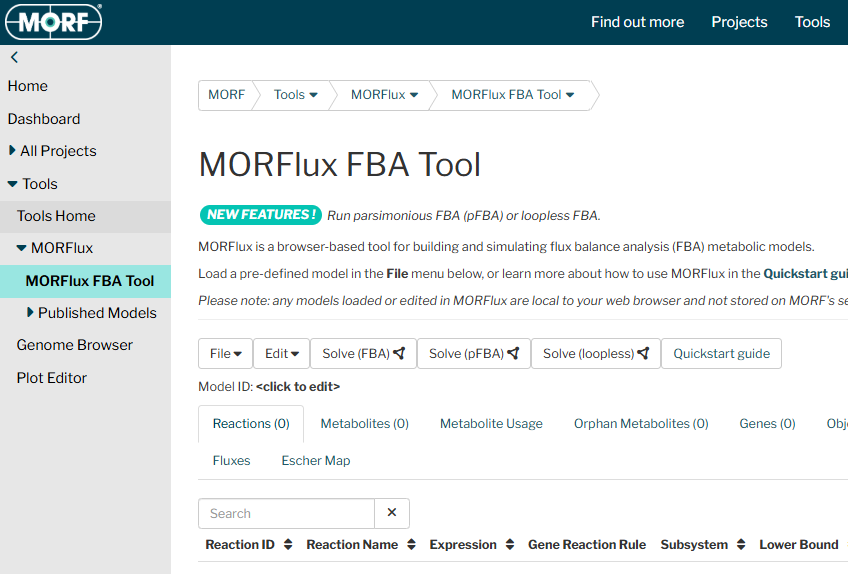
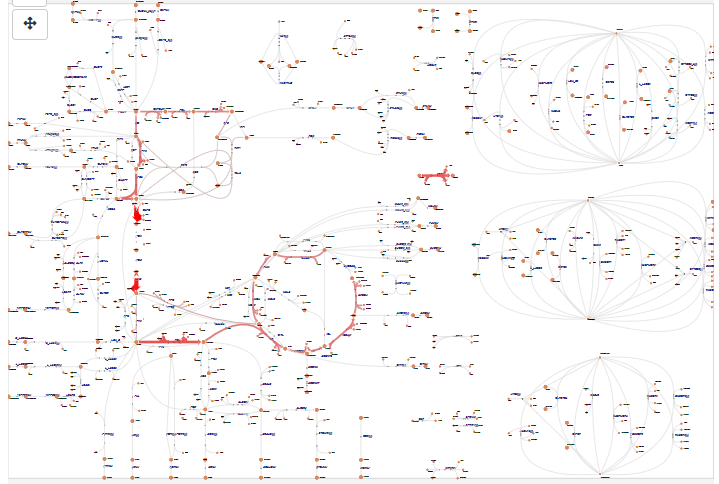
You can access the MORFlux FBA tool through the sidebar. See the quickstart guide and video for further details. We can also help to create a new map for your model if one doesn’t exist (contact us).
STAY UPDATED
Latest News & Updates
Stay up to date with the latest at MORF -product updates, case studies, and insight into how scientists are using data to drive real-world impact.
From multi-omics tips to bioprocess breakthroughs, our blog shares ideas, stories, and tools to support better science.


Empowering Researchers, Advancing Biotech
Department of Biology,
University of York,
York, YO10 5DD

© 2026 Morf Bio. All rights reserved